
How to Change Address
Please note: You can only modify your address details if the editing option in the Pledge Manager is currently active. Changes are only possible within the same country.
- Log in to your account
Make sure you are logged into your account on the Glass Cannon Unplugged store. - Go to your orders
Navigate to the list of your orders by clicking the menu at the top of the screen.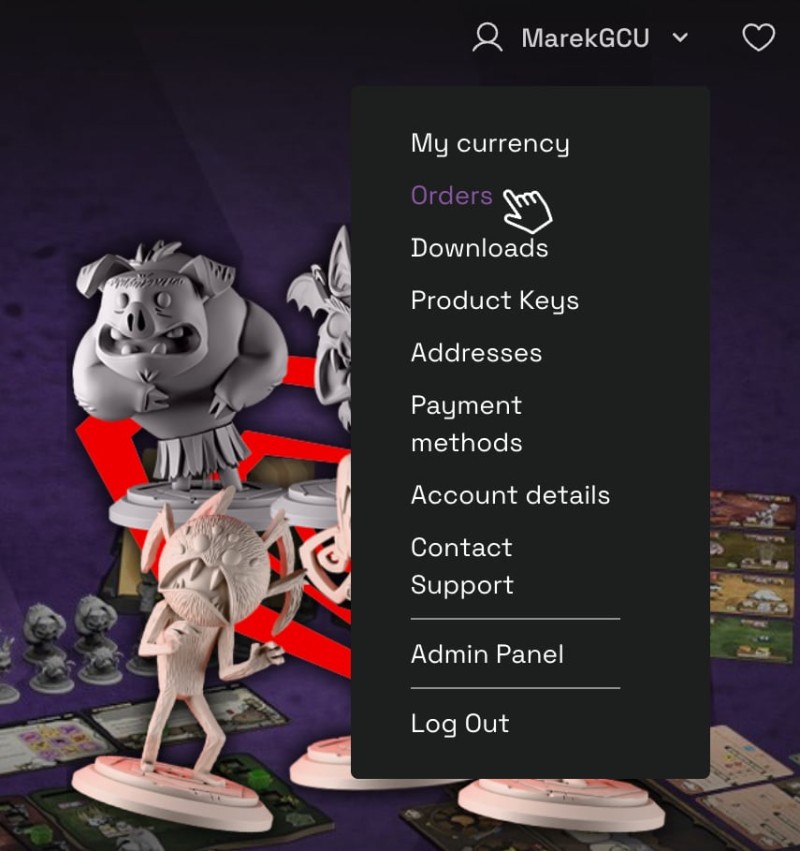
- Open your order
Find the order you wish to modify on the list and open it by clicking its number.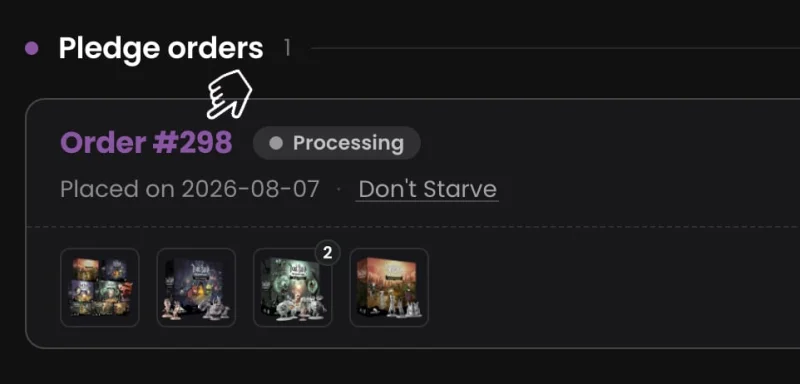
- Change your address
You can change either your shipping or billing address by clicking the corresponding Edit Address button.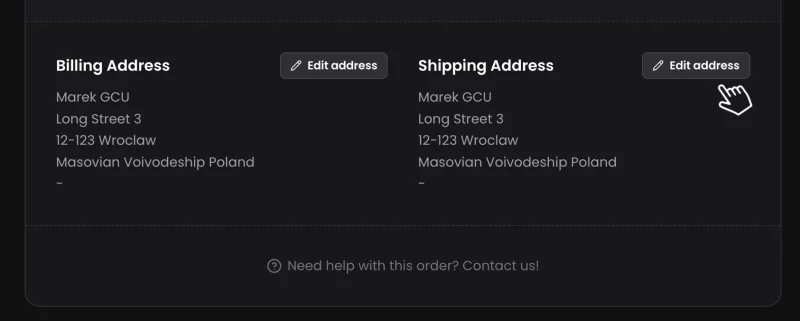
- Confirm the changes
Once you are sure you want to make these changes, click Save to confirm them.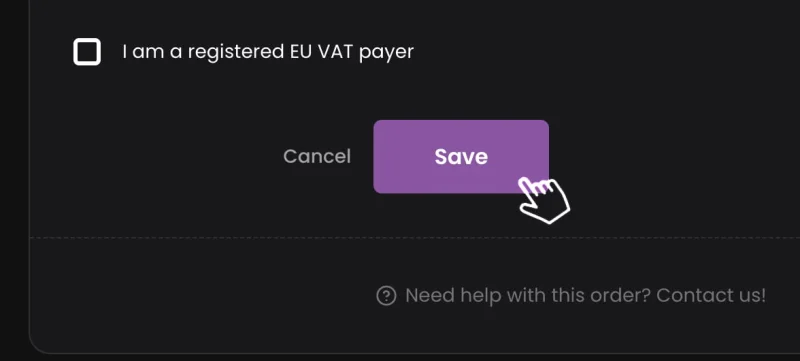
- Need Help?
If you have any questions, need help with your order, want to change your country, or encounter any technical issues, please reach out to our customer support at support@glasscannonunplugged.com.